
整個專案設定只有portrait模式,但是還是想在特定的view自動旋轉,該怎麼做呢?偵測裝置的orientation即可來做特定處理。
目前我使用MPMoviePlayerController(非MPMoviePlayerViewController)來播放影片,這個view並不能旋轉顯示,我就藉由裝置的方位去transform四種情況,效果還不錯!

試著上下左右旋轉看看,很漂亮地模擬預設播放旋轉功能~
overwrite方法shouldAutorotate,因為這方法會在裝置變換方向時被呼叫,於是就可以判斷裝置目前處於哪個方向,來作相對應的處理。
-(BOOL)shouldAutorotate
{
    switch ([UIDevice currentDevice].orientation) {
        case UIDeviceOrientationLandscapeLeft:
            moviePlayerController.view.transform = CGAffineTransformMakeRotation(M_PI_2 * 1);
            break;
        case UIDeviceOrientationLandscapeRight:
            moviePlayerController.view.transform = CGAffineTransformMakeRotation(M_PI_2 * 3);
            break;
        case UIDeviceOrientationPortrait:
            moviePlayerController.view.transform = CGAffineTransformMakeRotation(M_PI_2 * 0);
            break;
        case UIDeviceOrientationPortraitUpsideDown:
            moviePlayerController.view.transform = CGAffineTransformMakeRotation(M_PI_2 * 2);
            break;

        default:
            break;
    }
    return YES;
}
我把code修改成如此較為精簡,還能在0.5秒內做動畫顯示,感覺就好像這個view原本就能旋轉顯示,我模擬出效果了呢!記得moviePlayerController.view的frame設置成self.view的bounds,也就能全螢幕播放影片囉~
-(BOOL)shouldAutorotate
{
    [self handleRotate];
    return YES;
}

-(void)handleRotate
{
    [UIView animateWithDuration:0.5 animations:^{
        switch ([UIDevice currentDevice].orientation) {
            case UIDeviceOrientationLandscapeLeft:
                moviePlayerController.view.transform = CGAffineTransformMakeRotation(M_PI_2 * 1);
                break;
            case UIDeviceOrientationLandscapeRight:
                moviePlayerController.view.transform = CGAffineTransformMakeRotation(M_PI_2 * 3);
                break;
            case UIDeviceOrientationPortrait:
                moviePlayerController.view.transform = CGAffineTransformMakeRotation(M_PI_2 * 0);
                break;
            case UIDeviceOrientationPortraitUpsideDown:
                moviePlayerController.view.transform = CGAffineTransformMakeRotation(M_PI_2 * 2);
                break;

            default:
                break;
        }
        moviePlayerController.view.frame = self.view.bounds;
    }];
不過這時候還沒把status bar隱藏起來,實作這個方法:(只對iOS 7有作用)
-(BOOL)prefersStatusBarHidden
{
    return YES;
}
來看一下仙劍五一貧的英姿吧:P!

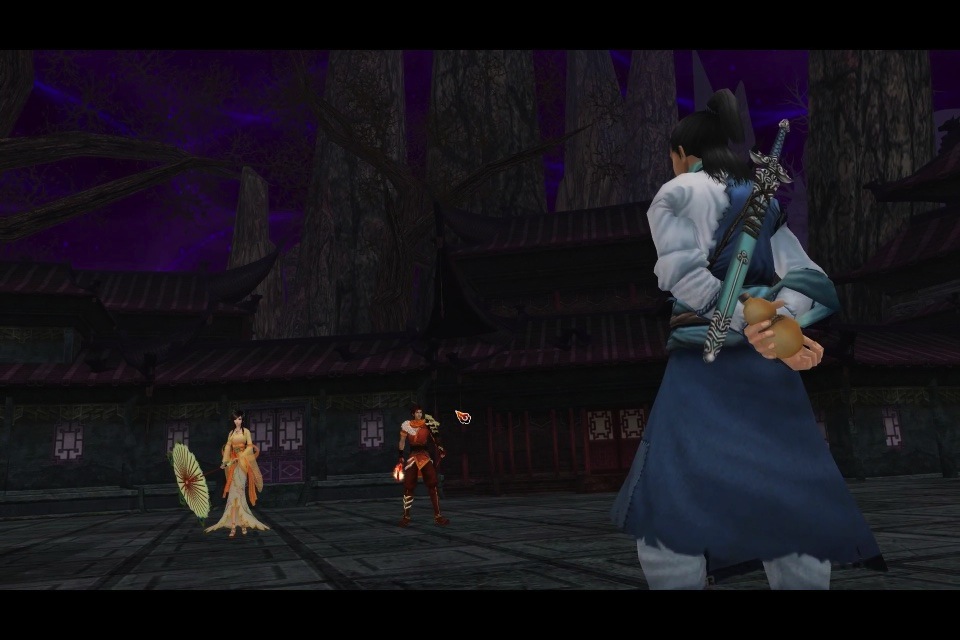
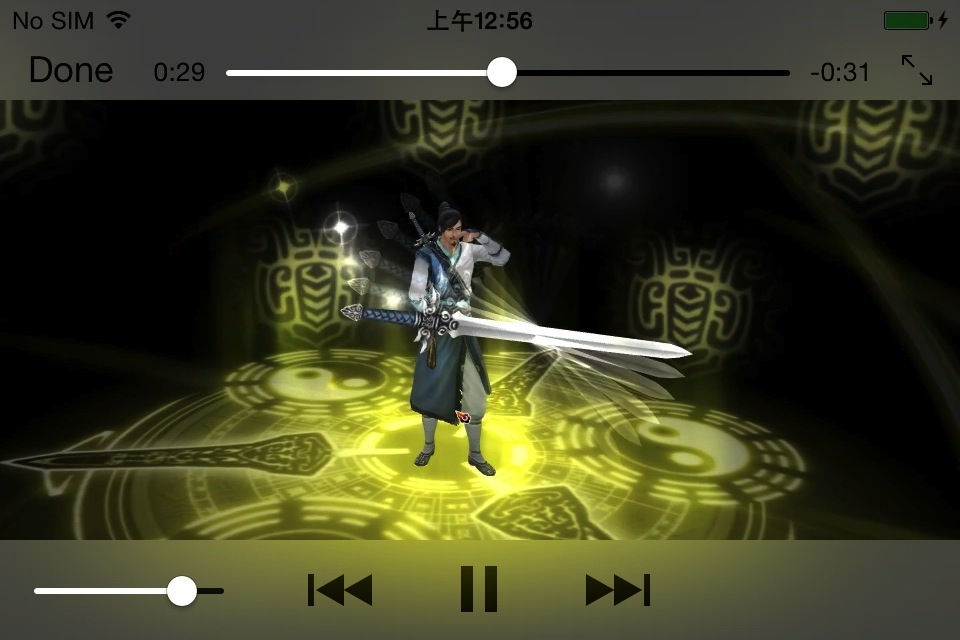
很高興看到MPMoviePlayerController的控制項出現嚕~
參考:How to check the orientation of device programmatically in iPhone?。


 逍遙文工作室
Comments on: "[iOS] 特定view自動旋轉" (2)
[…] 之前我有介紹過,可在特定view自動旋轉,是可以拿來用沒錯,然而這次的目標有點棘手,因為它是要在WebView中播放Youtube影片旋轉!為什麼說有點難搞呢?因為我ViewController中收不到裝置面向的訊號⋯⋯ […]
讚讚
[…] 若有時間的話,真想自己刻一個控制項,若考慮到裝置旋轉的話,又會有一堆情況要個別處理呢!可參考特定view自動旋轉,讓view隨著裝置旋轉。 […]
讚讚