
[iOS] 強制旋轉特定畫面 (Force to Rotate Portrait)
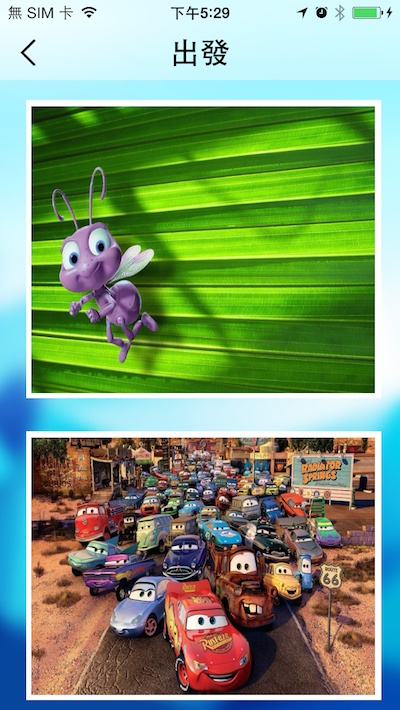
在播放影片時特定畫面橫向文章提到播放影片時要橫向,那麼在播放完影片後,想要回復到直向可以怎麼做?
![[iOS] 播放影片時特定畫面橫向](https://cg2010studio.com/wp-content/uploads/2017/12/ios-e692ade694bee5bdb1e78987e69982e789b9e5ae9ae795abe99da2e6a9abe59091.jpg)
原來只要一行程式碼就能搞定!
/**
 Theme: Force to Rotate Portrait
 IDE: Xcode 9
 Language: Objective C
 Date: 107/01/02
 Author: HappyMan
 Blog: https://cg2010studio.com/
 */

[[UIDevice currentDevice] setValue:@(UIInterfaceOrientationPortrait) forKey:@"orientation"];
注意字串orientation。
可使用方向的列舉:
typedef NS_ENUM(NSInteger, UIInterfaceOrientation) {
UIInterfaceOrientationUnknown = UIDeviceOrientationUnknown,
UIInterfaceOrientationPortrait = UIDeviceOrientationPortrait,
UIInterfaceOrientationPortraitUpsideDown = UIDeviceOrientationPortraitUpsideDown,
UIInterfaceOrientationLandscapeLeft = UIDeviceOrientationLandscapeRight,
UIInterfaceOrientationLandscapeRight = UIDeviceOrientationLandscapeLeft
} __TVOS_PROHIBITED;

 逍遙文工作室
HappyMan・迴響