
透過 Xcode 13 使用 SwiftUI 第三方套件非常簡單,直接把 Github 的網址填入 Xcode 中 Package Dependencies,就能搜尋到並下載回來。🧐
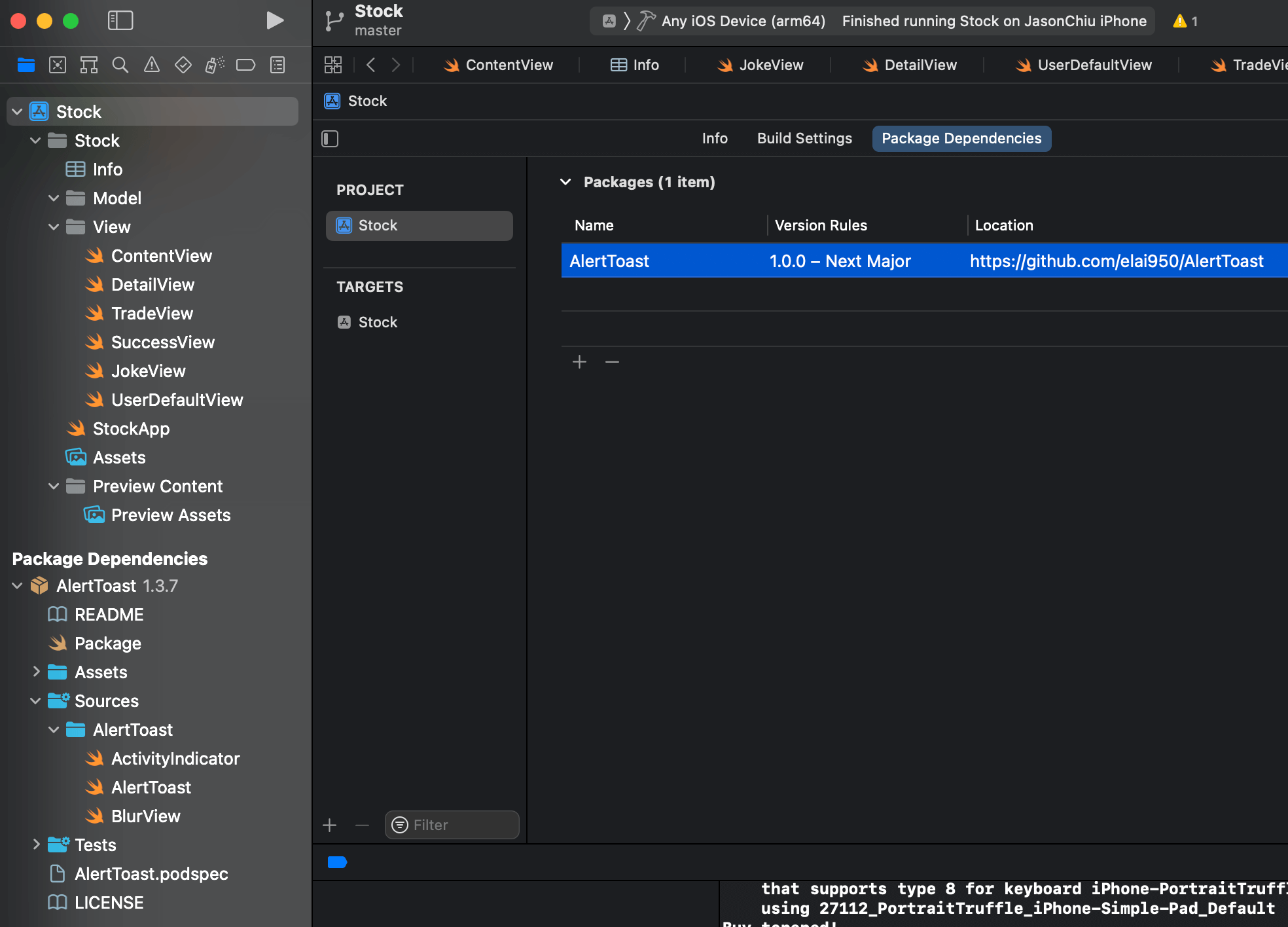
本文套件連結:AlertToast。
比起用 Cocoapods 還要方便呢!完全不用輸入任何程式碼~
AlertToast 套件的使用方式也非常簡單,檔案開頭輸入:
import AlertToast
接下來在想用的元件下方輸入:
.toast(isPresenting: $showToast){

    // `.alert` is the default displayMode
    AlertToast(type: .regular, title: "Message Sent!")

    //Choose .hud to toast alert from the top of the screen
    //AlertToast(displayMode: .hud, type: .regular, title: "Message Sent!")
}
完整可以執行的程式範例:
import AlertToast
import SwiftUI

struct ContentView: View{

    @State private var showToast = false

    var body: some View{
        VStack{

            Button("Show Toast"){
                 showAlert.toggle()
            }
        }
        .toast(isPresenting: $showToast){

            // `.alert` is the default displayMode
            AlertToast(type: .regular, title: "Message Sent!")

            //Choose .hud to toast alert from the top of the screen
            //AlertToast(displayMode: .hud, type: .regular, title: "Message Sent!")
        }
    }
}
AlertToast 結果呈現會如下圖,顯示三秒就會自動消失。若想要客製化各種屬性,可自行參考說明文件喔~
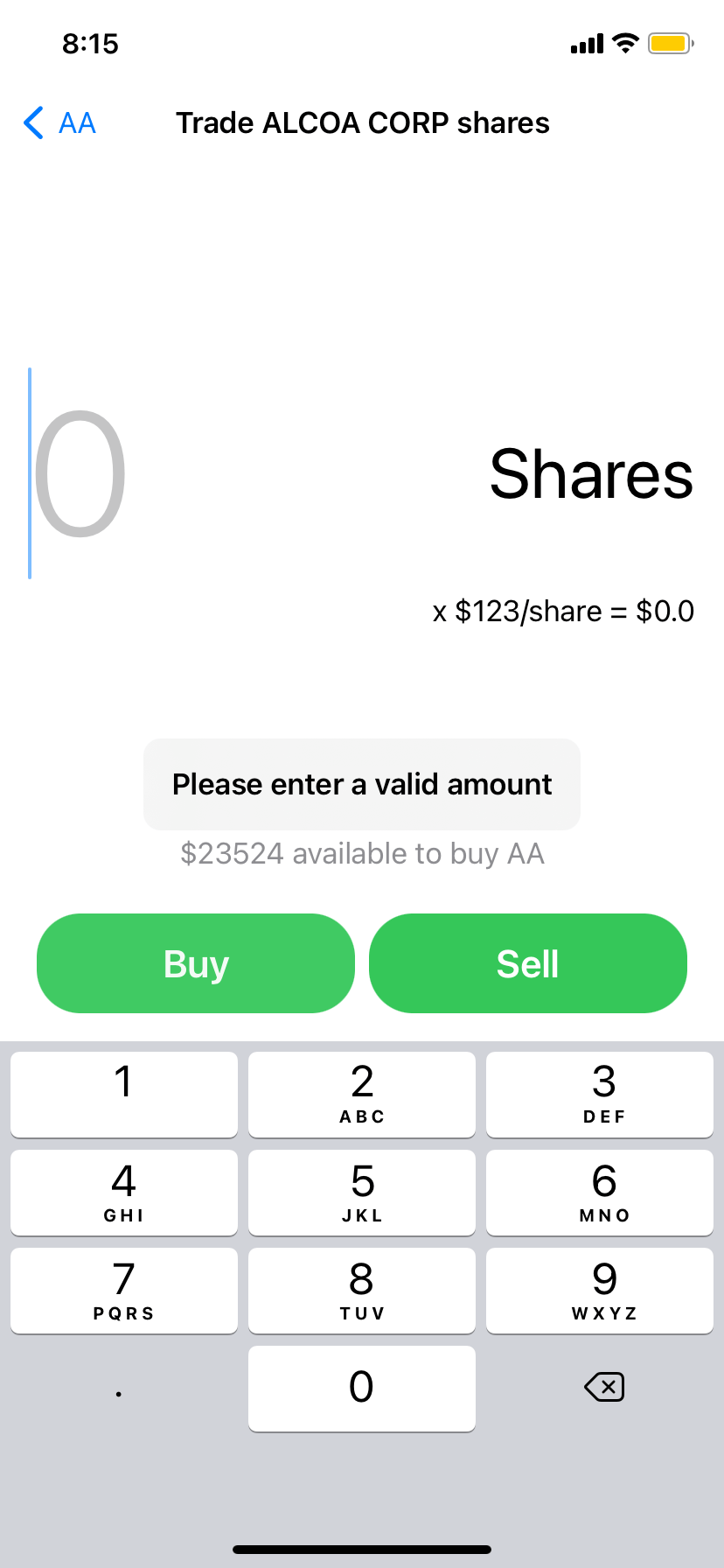
若是以預設的 Alert,則是很古板的樣子,還要自己去按掉~

這樣你學會了嗎?😁
參考:


 逍遙文工作室
隨意留個言吧:)~