
通知(Notification)這功能真是神奇,讓人不必時時刻刻去注意某個元件的動靜,當我們登記要得知該元件的動靜之後,只要它出現我們想要的行為,馬上就有人會通知我們,接著就能立刻採取行動!

猜猜看,我要對它做什麼?
在這裡我想觀察虛擬鍵盤的動靜,而且指明是它出現和隱藏的時候,要立刻通知我!
/**
 Theme: Notification of keyboard to show/hide
 IDE: Xcode 5
 Language: Objective C
 Date: 103/03/20
 Author: HappyMan
 Blog: https://cg2010studio.wordpress.com/
 */
// Listen for keyboard appearances and disappearances
[[NSNotificationCenter defaultCenter] addObserver:self
                                         selector:@selector(keyboardDidShow:)
                                             name:UIKeyboardDidShowNotification
                                           object:nil];

[[NSNotificationCenter defaultCenter] addObserver:self
                                         selector:@selector(keyboardDidHide:)
                                             name:UIKeyboardDidHideNotification
                                           object:nil];
- (void)keyboardDidShow: (NSNotification *) notif{
    // Do something here
}

- (void)keyboardDidHide: (NSNotification *) notif{
    // Do something here
}
我執行範例的效果就是,在還沒有輸入完畢,也就是虛擬鍵盤出現而沒有消失,我就不讓你離開XD~
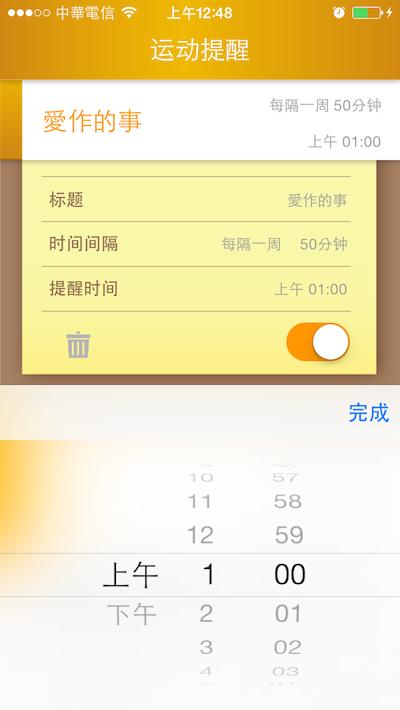
要做完才能離開喲:P
105/02/01加碼
我們想要輸入框跟著鍵盤上來,就可以寫這樣⋯⋯
- (void)keyboardDidShow:(NSNotification *)notification
{
    // 取得鍵盤高度
    NSDictionary *info = [notification userInfo];
    CGSize kbSize = [[info objectForKey:UIKeyboardFrameEndUserInfoKey] CGRectValue].size;
    CGFloat deltaHeight = kbSize.height;

    UIEdgeInsets insets = UIEdgeInsetsMake(0, 0, deltaHeight, 0);
    self.tableView.contentInset = insets;

    // Table View滾動至輸入框
    self.tableView.contentOffset = CGPointMake(0, self.tableView.contentSize.height - deltaHeight);
}

- (void)keyboardDidHide:(NSNotification *)notification
{
    UIEdgeInsets insets = UIEdgeInsetsMake(0, 0, 0, 0);
    self.tableView.contentInset = insets;
}


 逍遙文工作室
隨意留個言吧:)~