
在做Shadow Map之前,覺得Projection Shadow很有趣,而且容易理解不難實作,重點就在Projection Matrix.
程式逐步畫出平面(藍色)、影子(橙色)、模型(彩虹)。平面和模型使用Phong Shading Shader,影子使用Projection Shadow Shader。可控制光源座標(六個方向)、模型會Z方向來回。
光源座標:(10.0,10.0,10.0)
地板特性:
glColor3f(0.0,0.0,1.0);
glNormal3f(0.0,1.0,0.0);
glVertex3f(-4,-1,-4);
glVertex3f(4,-1,-4);
glVertex3f(4,-1,4);
glVertex3f(-4,-1,4);
牛模型特性:vertex的座標[0,1],vertex的顏色是以座標指定為顏色,所以是彩虹。
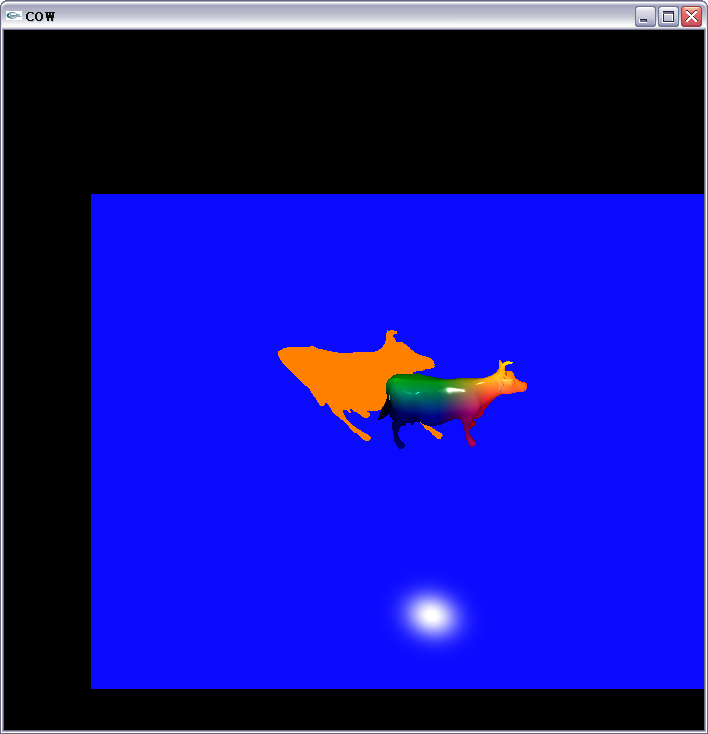
程式執行最初的影像.

使用滑鼠調整場景角度,可見牛是騰空於地板之上,橙色影子和藍色地板的反光緊貼於地板.
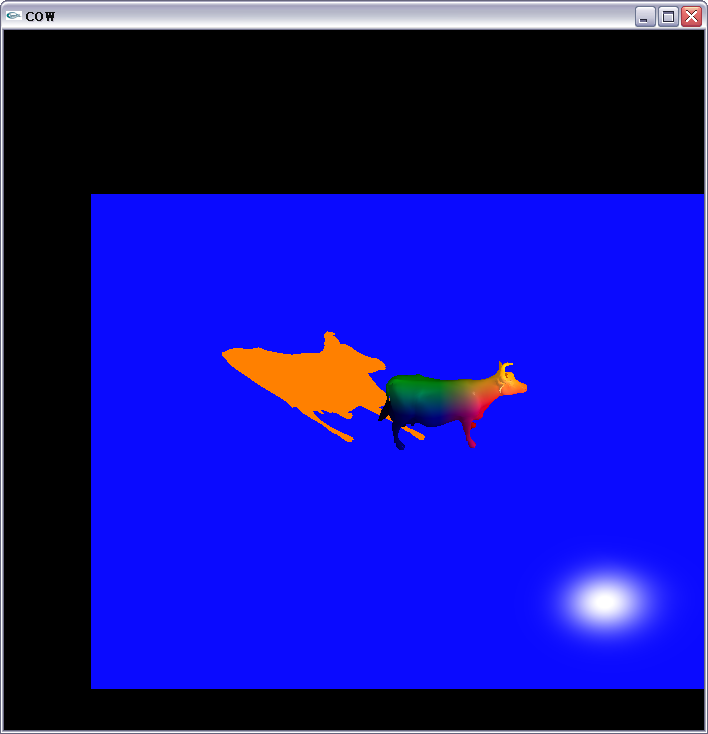
移動光源+x方向,也就是牛的右方,而影子往左方伸長.
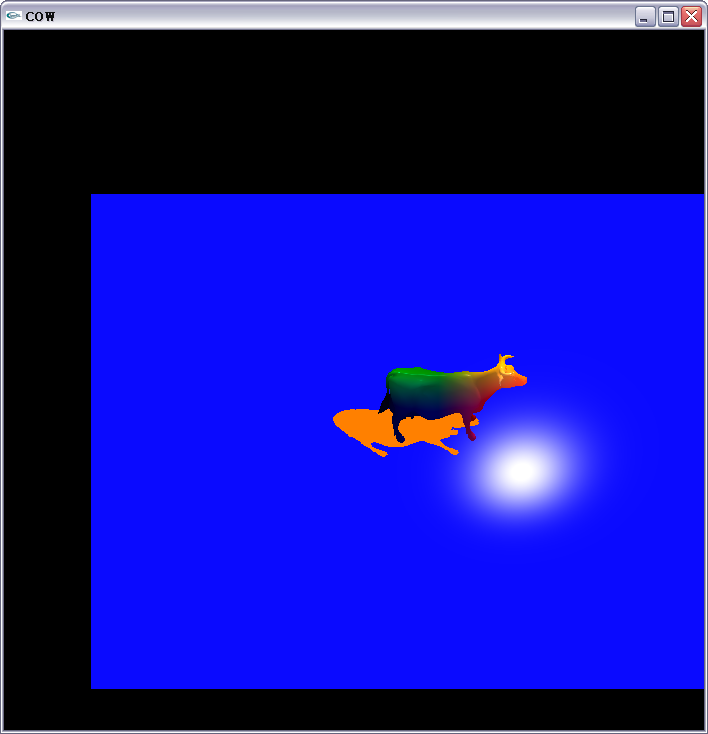
移動光源+y方向,也就是牛的上方,而影子往下方縮短.
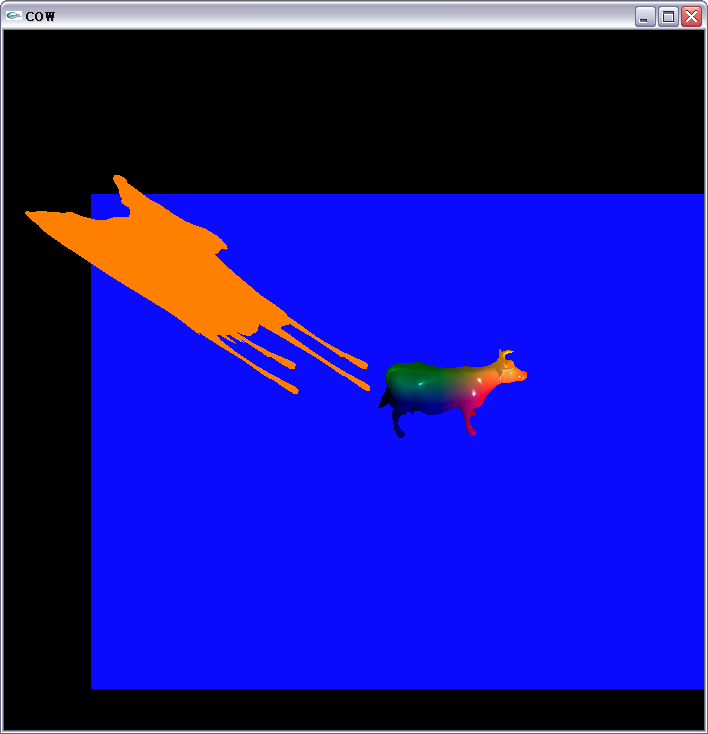
移動光源-y方向,也就是牛的下方,而影子往上方伸長.這裡暴露Projection Shadow的缺陷,它沒辦法根據平面大小來產生對應的影子,也就是說影子和平面是不相干的。
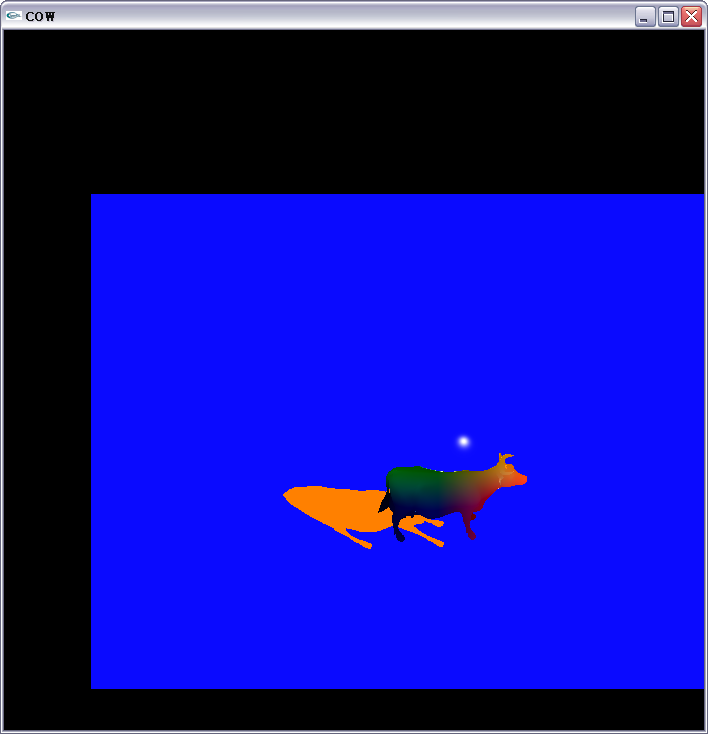
移動光源+z方向,也就是牛的前方,而影子往後方縮短.
vertex shader程式碼:
uniform float uuu,lll,fff;

mat4 shadowMat;
vec4 groundplane;

//translate vertex [-1,1] to [0,1]
const mat4 bias = mat4(
			0.5, 0.0, 0.0, 0.0,
			0.0, 0.5, 0.0, 0.0,
			0.0, 0.0, 0.5, 0.0,
			0.5, 0.5, 0.5, 1.0);

void shadowMatrix( vec4 lightpos )
{
	groundplane=vec4(0.0,1.0,0.0,0.0);

    float _dot;
    // Find dot product between light position vector and ground plane normal.
    _dot = dot(lightpos,groundplane);

    //_dot = groundplane[0] * lightpos[0] +  groundplane[1] * lightpos[1] + groundplane[2] * lightpos[2] +  groundplane[3] * lightpos[3];

    shadowMat[0][0] = _dot - lightpos[0] * groundplane[0];
    shadowMat[1][0] = 0.0 - lightpos[0] * groundplane[1];
    shadowMat[2][0] = 0.0 - lightpos[0] * groundplane[2];
    shadowMat[3][0] = 0.0 - lightpos[0] * groundplane[3];
    shadowMat[0][1] = 0.0 - lightpos[1] * groundplane[0];
    shadowMat[1][1] = _dot - lightpos[1] * groundplane[1];
    shadowMat[2][1] = 0.0 - lightpos[1] * groundplane[2];
    shadowMat[3][1] = 0.0 - lightpos[1] * groundplane[3];
    shadowMat[0][2] = 0.0 - lightpos[2] * groundplane[0];
    shadowMat[1][2] = 0.0 - lightpos[2] * groundplane[1];
    shadowMat[2][2] = _dot - lightpos[2] * groundplane[2];
    shadowMat[3][2] = 0.0 - lightpos[2] * groundplane[3];
    shadowMat[0][3] = 0.0 - lightpos[3] * groundplane[0];
    shadowMat[1][3] = 0.0 - lightpos[3] * groundplane[1];
    shadowMat[2][3] = 0.0 - lightpos[3] * groundplane[2];
    shadowMat[3][3] = _dot - lightpos[3] * groundplane[3];
}

void main(void)
{
	vec4 vertexPos = gl_ModelViewMatrix * bias * gl_Vertex;
	vec4 lightDir;
	lightDir = vec4(vec4(10.0,10.0,10.0,1.0) - vertexPos);
	lightDir.x += lll;
	lightDir.y += uuu;
	lightDir.z += fff;

	shadowMatrix(lightDir);

	gl_FrontColor = gl_Color;
	//gl_Position = ftransform();
	//gl_Position = gl_ModelViewProjectionMatrix*shadowMat*bias*gl_Vertex;
	gl_Position = gl_ProjectionMatrix*gl_ModelViewMatrix*shadowMat*bias*gl_Vertex;
}
fragment shader程式碼:
void main(void)
{
	//shadow color
	gl_FragColor=vec4(1,0.5,0,0);
}


 逍遙文工作室
隨意留個言吧:)~